
Your hotel website,changed with a message.
Wes takes over the hotel website you already have, look and fonts included. From then on you change it with a message: he prepares the change, you check it, and only then does it go live.
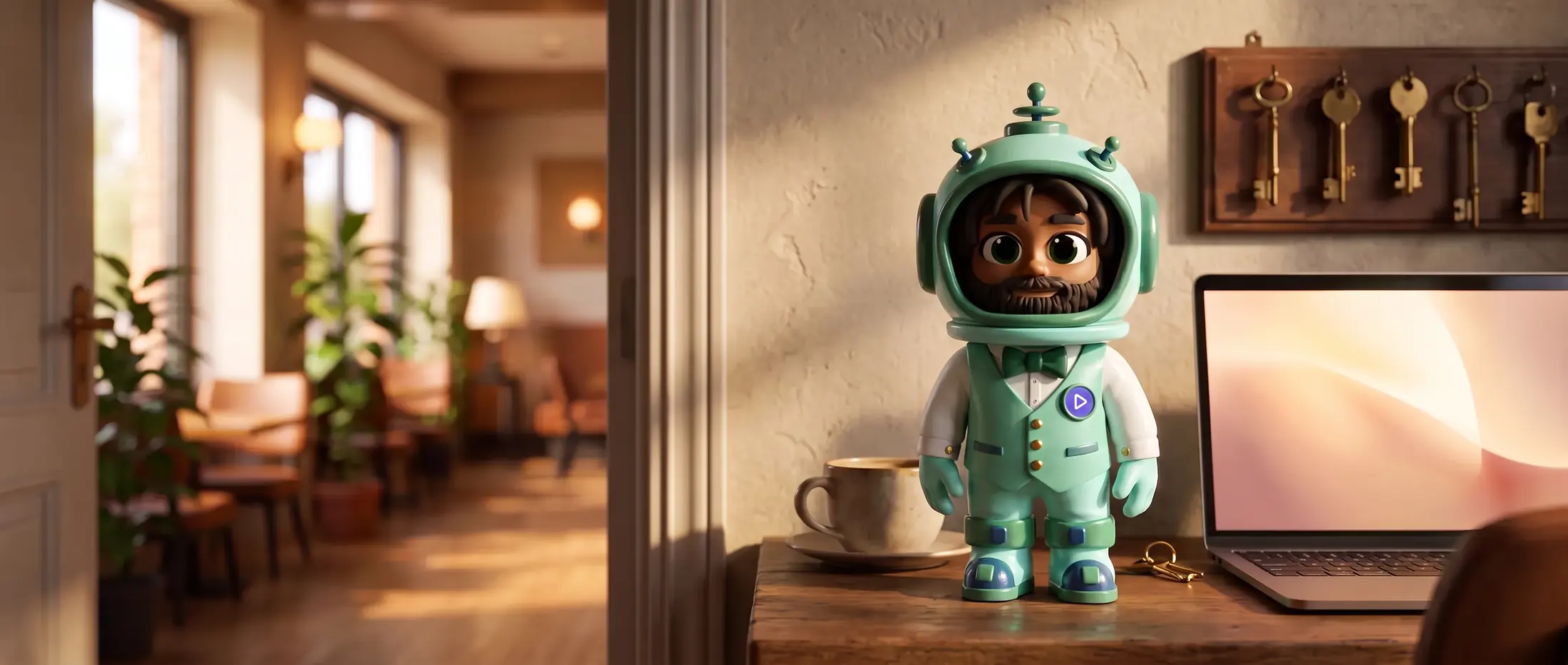
2 steps
to change something on your site
Tell Wes what changed. Then say publish.
No website builder to log into, no agency ticket, no waiting for the one person who knows the password. You send a message, Wes prepares the change, and you decide when it goes live.
A Tuesday morning
This is how a change with Wes goes.
Breakfast now starts at seven. The website still says half past, and so does every guest who comes down hungry.
- 09:12
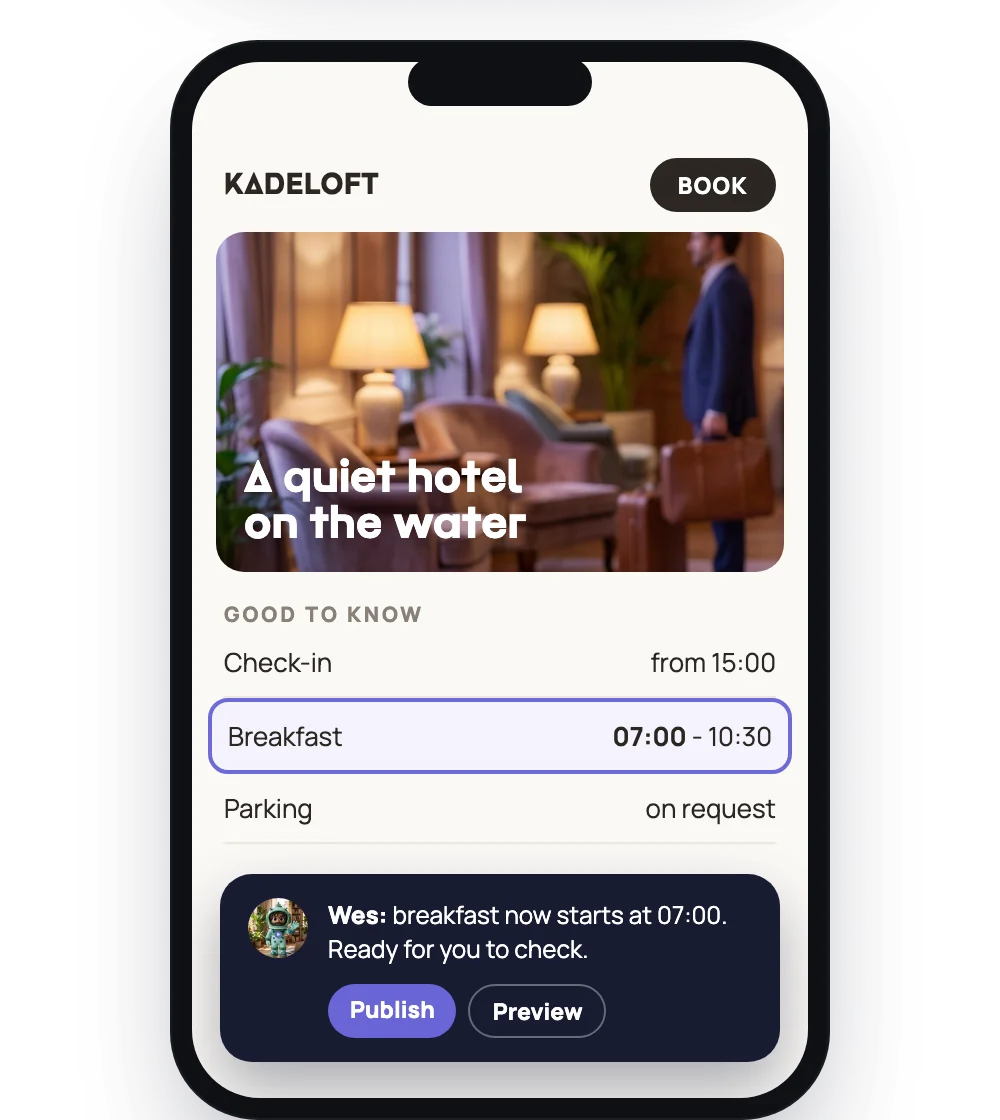
You send Wes one line: breakfast now starts at seven.
- 09:13
He finds the places on your site where the time is written and prepares the change.
- 09:18
You get a preview to look at before anything changes for your guests.
- 09:20
It is right. You say publish, and a few minutes later it is live.
The old way, that change would still be on somebody's list.
Your site, kept
He starts from the website you have.
Wes copies your current site, its pages, photos, look and fonts, so on day one nothing looks different to your guests. The difference is who you ask to change it.
A website is only as good as the last time somebody changed it.
Changing it
You change it the way you would ask a person.
Text on your pages, a photo, your phone number: you tell Wes in your own words. He prepares it, you check it, and only then does it go live.
- Breakfast now starts at seven
- Swap the photo on the homepage
- Change our phone number
- Add a line about parking
The Book button
Your Book button goes where you say.
Wes points the Book button on your site at the booking link you give him. Prefer guests to call? Then the button calls the hotel.
A booking link
The button opens your own booking engine, the one you already use.
Or a phone number
The button calls the hotel instead.
Nothing live without you
Nothing goes live without your say.
Every change is prepared first and shown to you. Only when you say publish does it reach your guests, and a published change can be taken back to an earlier version.
- A preview before anything goes live
- Back to an earlier version
- Your own domain
What Wes will not do
Your booking engine
Rates, availability and bookings stay in the booking engine you use. Wes points your Book button at it; he does not run it.
Ranking promises
We do not promise a higher place in Google. Wes keeps your site right; that is the promise.
Changes behind your back
Nothing goes live without your say. Every change is prepared first and waits for you.
We would rather be precise about this than have you guess.
Questions about Wes
Do we need a new website?
No. Wes starts from the website you have and keeps its look. Your guests see nothing change on day one.
How do I change something?
Send Wes a message in your own words. He prepares the change, you look at the preview, and you say publish.
Can guests book through the site?
Yes, through your own booking engine. Wes points the Book button at your booking link; bookings and rates stay there.
Can a change be undone?
Yes. A published change can be taken back to an earlier version.
Does it stay on our own domain?
Yes. Your site stays on your own domain name.
The rest of the team
Let Wes keep your website right.
Three days free. Nothing to install, no login.